


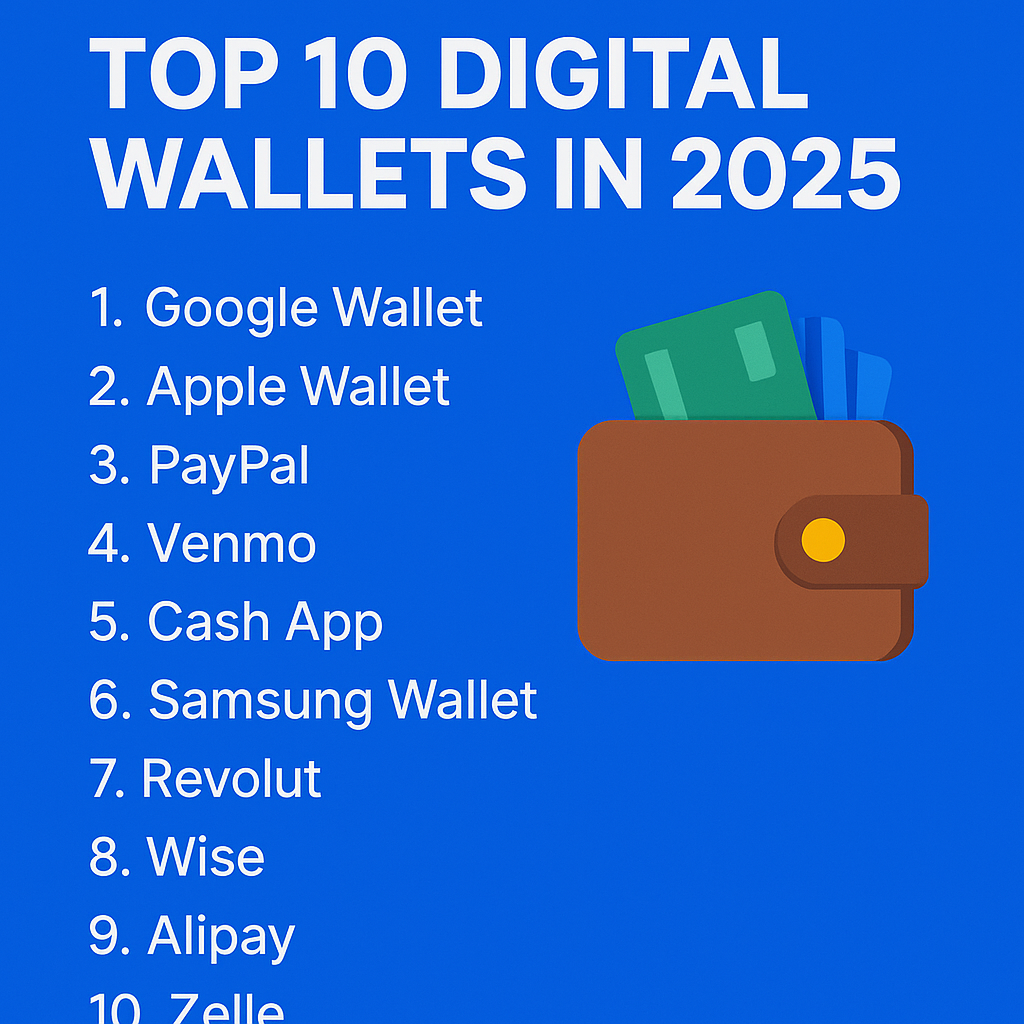
🌟 Top 10 Digital Wallets You Should Know About (2025)
-
Google Wallet – Best for Android contactless payments
-
Apple Wallet – Ideal for iOS users with tight Apple integration
-
PayPal – Most popular for global online payments
-
Venmo – Social + payments, great in the US
-
Cash App – Simple peer-to-peer transfers
-
Samsung Wallet – Great for Samsung users
-
Revolut – All-in-one digital banking with crypto support
-
Wise (formerly TransferWise) – For international payments
-
Alipay – Widely used in China and growing globally
-
Zelle – Direct bank-to-bank US transfers
Advertisement
🥇 Best 3 Digital Wallets (Quick Breakdown)
1. Google Wallet
-
Seamless tap-to-pay
-
Stores IDs, tickets, passes, and more
-
Excellent security
2. PayPal
-
Send & receive globally
-
Works across platforms
-
Trusted worldwide
3. Apple Wallet
-
Apple Pay integration
-
Smooth user experience for iPhone users
-
High-end privacy controls
❓ FAQs: Everything You Want to Know
Q1: What is a digital wallet?A secure app that lets you pay, receive, and store money or cards digitally.Q2: Are digital wallets safe?Yes, most use encryption, biometrics, and 2FA to protect your money.Q3: Can I use digital wallets without the internet?Some allow limited offline use (e.g., Google Wallet for transit cards).Q4: Which eWallet is best for online shopping?PayPal and Google Wallet are solid for ease, speed, and security.Q5: Can I have more than one digital wallet?Absolutely. Many people use multiple for different purposes.
👨👩👧👦 What Are Family Wallets?
A family wallet is a shared digital wallet that allows parents and kids (or spouses) to:
-
Set spending limits
-
Track transactions
-
Share funds in real time
🧩 Platforms offering this: Apple Family Sharing, Google Wallet (parent accounts)
🏢 What Are Business Wallets?
Digital wallets designed for business payments:
-
Employee payroll
-
Business-to-business (B2B) transactions
-
Digital invoicing
🧰 Examples: Wise Business, PayPal Business, Zelle for Business
🌐 Other Wallet Types:
-
Crypto Wallets (e.g., MetaMask, Trust Wallet)
-
NFC Wallets (for tap-to-pay functionality)
-
Bank-Linked eWallets (like Zelle or Cash App)
✅ Dos and Don’ts of eWallet Usage
✅ DOs:
-
Enable two-factor authentication
-
Set spending limits
-
Use strong passwords
-
Regularly update the app
❌ DON’Ts:
-
Share your PIN or credentials
-
Use public Wi-Fi without a VPN
-
Ignore suspicious notifications
🛡 Pro Free Tip for Online Safety
Use a VPN + Two-Factor Authentication (2FA) on all financial apps. This combo adds a strong layer of defense against cyberthreats.
🧭 How to Set Up a Digital Wallet (Step-by-Step)
Step 1: Choose a wallet (e.g., Google Wallet, PayPal)
Step 2: Download the app from Google Play or App Store
Step 3: Create an account using your email/phone
Step 4: Verify your identity (with ID or OTP)
Step 5: Link a card or bank account
Step 6: Set up PIN/biometric login
Step 7: Start using it to pay, send, and receive money!
RELATED POSTS
View all


Get Instant Insights About Your Website’s Traffic and Visitors with Ahrefs Web Analytics
December 30, 2024 | by Bukars